Morocco’s remote work sector has grown significantly since 2020, yet many professionals still struggle with incomplete or poorly planned home office setups. Whether you work for a Casablanca-based tech firm or a European company hiring remotely, having the right equipment directly impacts your productivity and career trajectory. This essential equipment checklist covers everything from hardware specifications to security measures, helping you build a workspace that meets professional standards without unnecessary spending.
Essential Equipment Checklist: Computer and Hardware
Your laptop or desktop computer forms the foundation of remote work success. For most IT roles in Morocco, including positions at employers like SQLI Maroc, CGI Maroc, or Capgemini Maroc, you need a machine capable of handling development environments, video calls, and multiple browser tabs simultaneously. A processor running at 2.5 GHz or higher handles these demands comfortably, while 16GB of RAM has become the practical minimum for software development and data analysis tasks.
Storage requirements depend heavily on your specific role. Web developers and software developers in Morocco typically need at least 512GB of SSD storage to accommodate development tools, virtual machines, and project files. Database administrators and DevOps engineers often require even more space for local testing environments. Battery life matters particularly in Morocco, where power fluctuations occur in some neighborhoods. A laptop with six hours or more of battery capacity provides a buffer during brief outages.
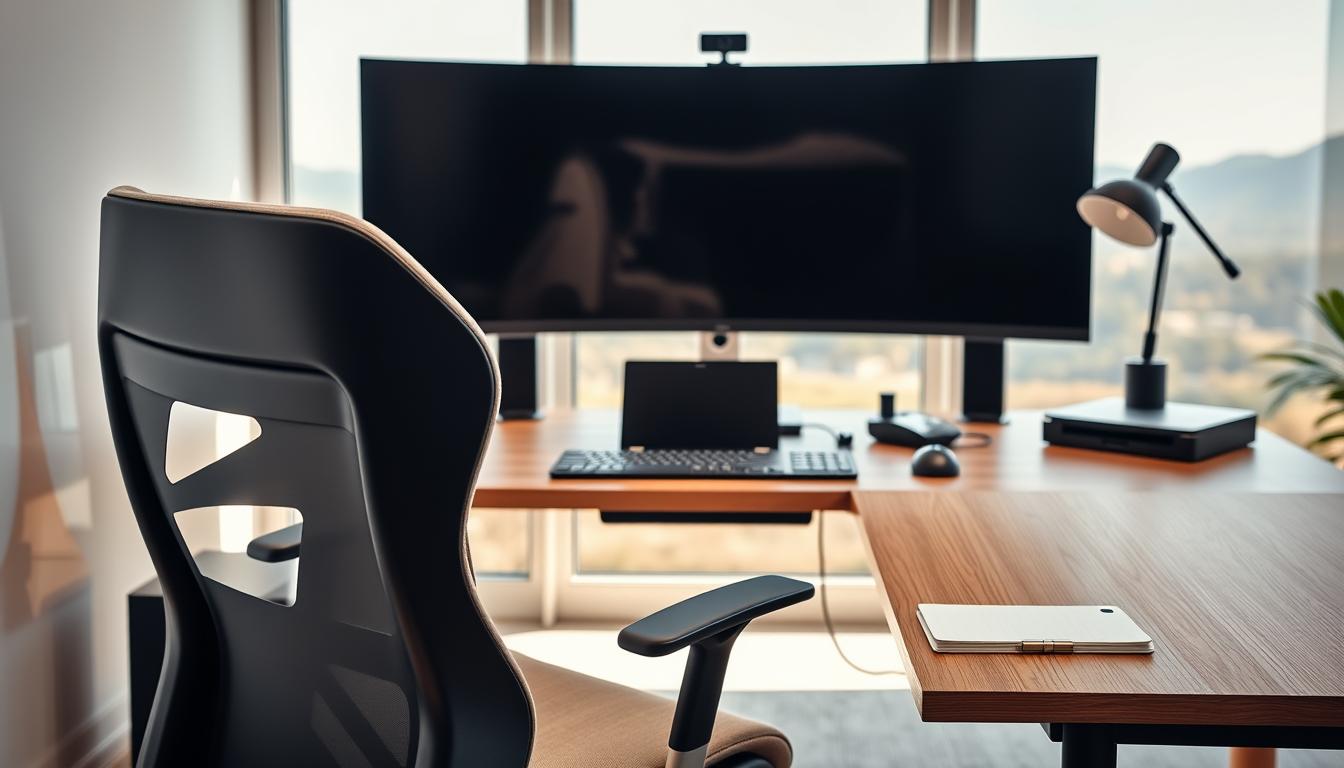
External peripherals significantly improve daily comfort and efficiency. A second monitor increases productivity for coding, design work, and document comparison tasks. Mechanical keyboards reduce typing fatigue during long sessions, while ergonomic mice help prevent repetitive strain injuries. Many remote workers in Rabat and Casablanca report that investing in quality peripherals paid for itself within months through improved output and reduced physical discomfort.
Internet Connectivity and Backup Solutions
Reliable internet access separates professional remote workers from those constantly apologizing for dropped calls. Morocco’s fiber optic coverage has expanded considerably across urban centers, with Maroc Telecom, Orange, and Inwi all offering competitive packages. In Casablanca, Rabat, and Tangier, fiber connections delivering 100 Mbps or faster are widely available. Residents of smaller cities like Meknes, Fes, or Agadir typically access speeds between 20 and 50 Mbps through ADSL or 4G fixed wireless.
A backup internet solution is not optional for serious remote work. Power outages, technical failures, and maintenance windows can strike without warning. Mobile data plans from any of the three major operators provide adequate backup for video calls and essential communications. Portable Wi-Fi devices, sometimes called MiFi units, allow you to share a mobile connection across multiple devices. Budget between 200 and 400 MAD monthly for a data plan with sufficient capacity to serve as emergency backup.
Test your connection before important meetings or deadlines. Speed test websites reveal your actual download and upload speeds, which often differ from advertised figures. Upload speed matters particularly for video conferencing and screen sharing. Aim for at least 10 Mbps upload for smooth video calls, though 5 Mbps works acceptably for audio-only participation.
Ergonomic Workspace and Productivity Tools
Physical workspace design affects both health and output quality over months and years of remote work. Your chair should support your lower back while allowing your feet to rest flat on the floor. Desk height should position your elbows at roughly 90 degrees when typing. These adjustments seem minor but prevent chronic pain that afflicts many remote workers who neglect ergonomics during their first year working from home.
Lighting deserves careful attention in Moroccan home offices. Natural light reduces eye strain and improves mood, but direct sunlight on your screen creates glare problems. Position your desk perpendicular to windows rather than facing them directly. Supplement with a desk lamp providing warm white light for evening work sessions. Proper ventilation also matters, particularly during summer months when temperatures in cities like Marrakech regularly exceed 40 degrees Celsius.
Software tools enable collaboration across distances and time zones. Video conferencing through Zoom or Google Meet has become standard for team meetings and client presentations. Slack or Microsoft Teams handle daily communication and quick questions. Project management platforms like Trello, Asana, or Jira help teams track tasks and deadlines. Most Moroccan tech companies provide licenses for these tools, but free versions and learning opportunities exist for independent contractors and job seekers building their skills.
According to a McKinsey report on remote work trends, workers with proper equipment and workspace design report significantly higher satisfaction and productivity than those working from improvised setups. This finding holds true across industries and geographies, including emerging remote work markets like Morocco.
Security Measures and Budget Planning
Security breaches can end careers and damage company reputations. A Virtual Private Network encrypts your internet traffic, protecting sensitive data when working from cafes, coworking spaces like Technopark Casablanca, or even your home network. Many employers require VPN usage as a condition of remote work. Free VPN services often sell user data or provide inadequate encryption, so budget for a reputable paid service costing between 80 and 150 MAD monthly.
Password management and two-factor authentication protect your accounts from unauthorized access. Use unique passwords for each service and store them in a password manager rather than a notebook or browser. Enable two-factor authentication on all work accounts, email, and financial services. Keep your operating system and applications updated to patch security vulnerabilities that hackers actively exploit.
Budget planning prevents financial stress and ensures you acquire necessary equipment systematically. A complete home office setup in Morocco typically costs between 15,000 and 40,000 MAD depending on equipment quality and existing resources. Many employers provide equipment directly or offer stipends covering partial costs. Clarify your company’s policy before purchasing expensive items. Some organizations reimburse specific categories like ergonomic furniture or internet upgrades while expecting employees to provide their own computers.
Local electronics retailers in Casablanca, Rabat, and other major cities stock most necessary equipment. Online marketplaces offer additional options, though import duties and shipping times add complexity for items shipped from abroad. Coworking spaces provide an alternative for workers who cannot create adequate home setups, with monthly memberships typically ranging from 1,500 to 4,000 MAD depending on location and amenities.
Frequently Asked Questions
What minimum internet speed do I need for remote work in Morocco?
Most remote work tasks require at least 25 Mbps download and 10 Mbps upload speeds. Video conferencing with screen sharing demands the most bandwidth, while email and document work function adequately on slower connections. Always test your actual speeds rather than relying on advertised figures from your provider.
Should my employer pay for home office equipment?
Policies vary significantly between companies. International firms often provide full equipment packages or generous stipends, while smaller Moroccan companies may expect employees to use personal devices. Discuss equipment policies during salary negotiations and get agreements in writing before accepting remote positions.
How can I secure my home network for professional work?
Change your router’s default password and enable WPA3 encryption if available. Use a VPN for all work-related internet activity. Keep your router firmware updated and consider creating a separate network for work devices if your router supports guest networks or VLANs.